Tax & tip, your way
Percentage or dollars — split fair to the penny.
iOS · Available now
Scan the receipt, tap who had what, done.
How it works
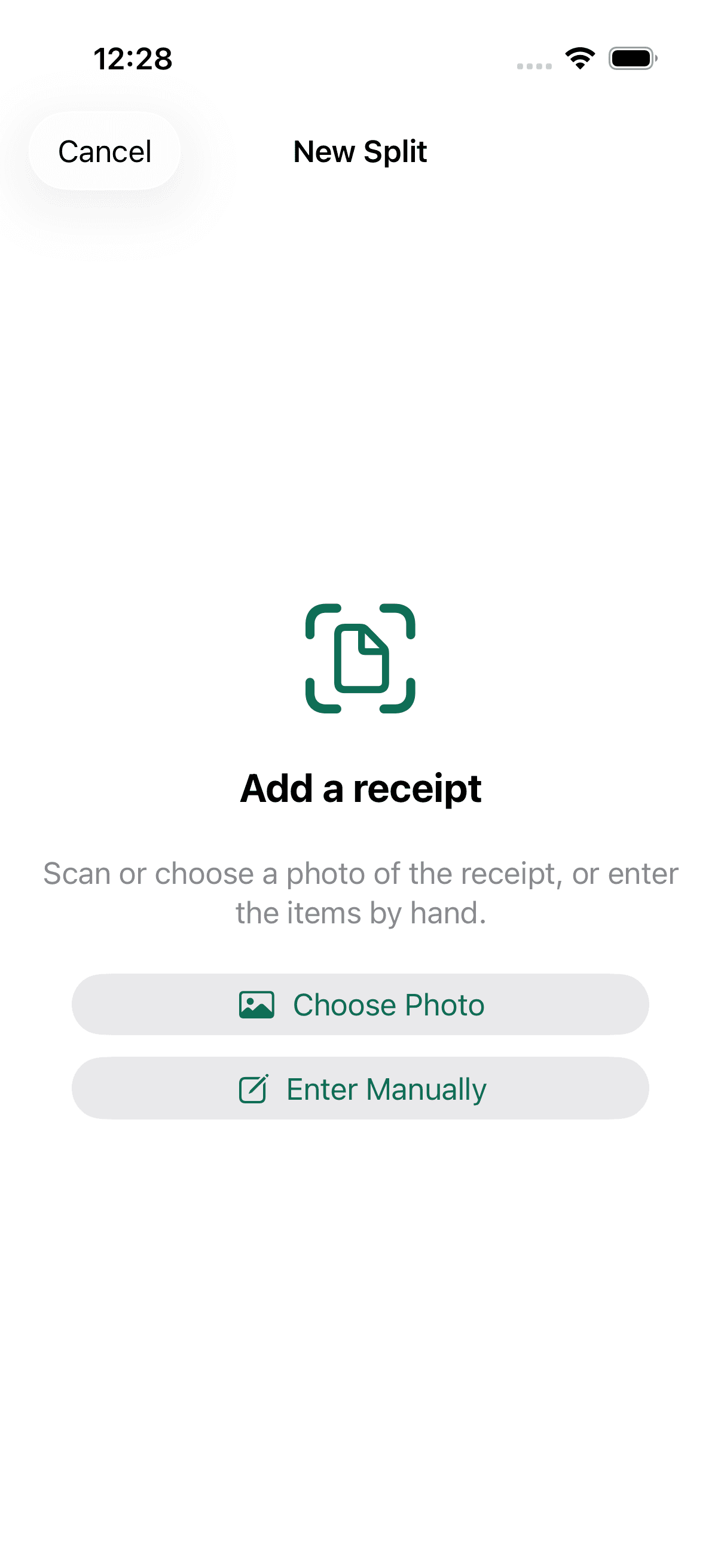
Snap or choose a photo. It reads the receipt on-device.
Percentage or dollars — split fair to the penny.
One glance shows who had what.
Friends pay you back without downloading a thing.
Sam's share: $23.20
Whole bill $42.60 · split 3 ways — check the math.
Why Dibs
Most splitters want everyone to sign up and carry running balances forever. Dibs tracks just one thing — who's paid you back on this bill — then the split is done and it's out of your way.
Vs. typical splitters (Splitwise, Tab, Plates, Venmo Groups, Split Check). Features vary and change.
No servers, no account, nothing to leak.
Scanning runs on your phone with Apple Vision.
No sign-up, no login, no email.
No backend, no analytics, nothing collected.
Pay through Venmo or Zelle — never us.
FAQ